Introduction
In today’s fast-moving digital world, businesses need quick, efficient, and consistent communication to stay ahead. Customers expect instant responses, clear information, and engaging interactions. However, replying manually to every message can be time-consuming and inefficient. This is where ChatIQ Business Templates play a vital role.
By using ChatIQ Business Templates, businesses can automate conversations, send bulk messages, and maintain a professional tone across all interactions.
Whether you run a training institute, an e-commerce store, or a digital marketing agency, these templates help streamline communication while improving customer engagement.
What is WhatsApp Automation Software in ChatIQ?
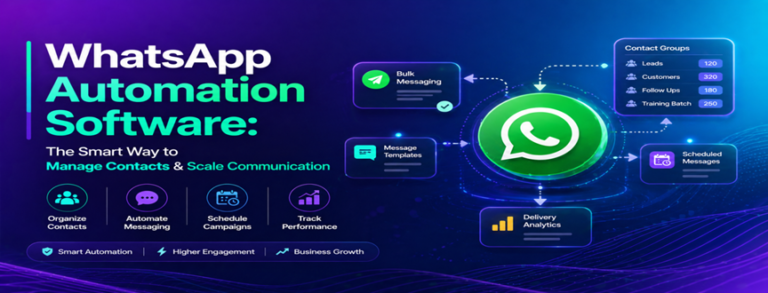
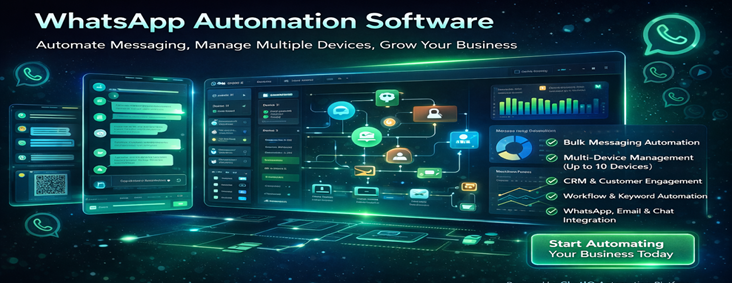
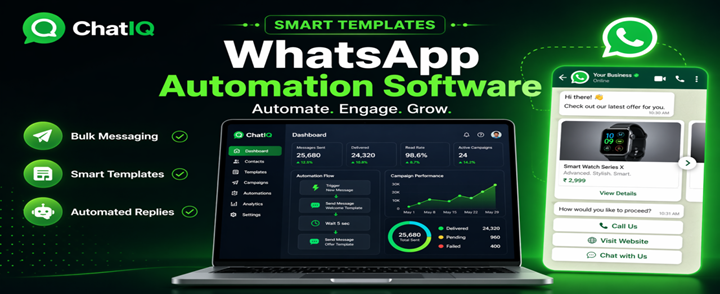
Whatsapp Automation Software in ChatIQ allows businesses to create pre-built message templates that can be sent instantly. ChatIQ Business Templates act like smart replies or chatbot messages, enabling quick and efficient communication.
Businesses can use these templates to:
- Send welcome messages
- Share product or service details
- Provide customer support
- Automate repetitive replies
With ChatIQ Business Templates, companies reduce manual workload and ensure faster, more professional communication.
Key Features of ChatIQ Business Templates
1. Interactive Buttons for Quick Actions
One of the most powerful features of ChatIQ Business Templates is the use of interactive buttons.
Customers can:
- Visit your website instantly
- Call your business with one tap
- Take specific actions directly from the message
You can include up to five buttons in a single template, making conversations more interactive and user-friendly.
2. Carousel Messaging for Visual Engagement
Carousel messaging allows businesses to display multiple products or services in a scrollable format.
Benefits include:
- Customers can swipe left or right
- Showcase multiple offers in one message
- Improve visual engagement
This feature is ideal for product catalogs, training courses, and service listings using ChatIQ Business Templates.
3. Multiple Content Formats
Flexibility is a key advantage of ChatIQ Business Templates. Businesses can create messages using different content types, such as:
- Text messages
- Images
- Documents
- Location sharing
- Contact details
This variety ensures that communication is clear, informative, and engaging for customers.
4. Automated Replies for Faster Communication
Automated replies help businesses respond instantly to customer queries. With ChatIQ Business Templates, you can set up predefined responses for common interactions.
Examples include:
- Welcome messages
- Frequently asked questions
- Order updates
This ensures customers receive quick responses, improving satisfaction and trust.
5. Bulk Messaging Capability
Bulk messaging is another major advantage of ChatIQ Business Templates. Businesses can send messages to multiple customers at once without manual effort.
This allows you to:
- Run marketing campaigns
- Promote offers and services
- Reach large audiences efficiently
Bulk messaging makes communication faster and more scalable.
Benefits of Using ChatIQ Business Templates
1. Save Time and Reduce Workload
Instead of typing the same messages repeatedly, ChatIQ Business Templates automate communication, saving time and effort for your team.
2. Improve Customer Engagement
Interactive elements like buttons and carousels make messages more engaging. Customers can easily interact with your content, leading to better responses.
3. Maintain Consistency in Communication
Using ChatIQ Business Templates ensures that every customer receives consistent and professional messaging, reducing errors and miscommunication.
4. Boost Marketing Efficiency
With bulk messaging and automation, businesses can launch campaigns quickly and reach more customers without additional effort.
5. Enable Chatbot-Like Experience
ChatIQ Business Templates can function like a chatbot by guiding users through predefined workflows, making communication structured and efficient.
Step-by-Step Guide to Using ChatIQ Business Templates
Step 1: Access Templates Section
Log in to your ChatIQ dashboard and navigate to the Templates section.
Step 2: Choose or Create Template
You can either:
- Select from 10–15 pre-built templates
- Create a custom template
Give your template a clear name such as “Welcome Message” or “Course Details.”
Step 3: Add Content
Choose the content type:
- Text
- Image
- Document
- Buttons
- Carousel
Customize the template based on your business requirements.
Step 4: Add Interactive Elements
Enhance your template by adding:
- Buttons (website, call, actions)
- Carousel for multiple items
This increases user interaction and engagement.
Step 5: Save and Send
Save your template and send it instantly to customers or use it in automation workflows.
Real-World Use Cases
1. Training Institutes
- Share course details using carousel templates
- Send demo class links with buttons
- Automate student inquiries
2. Digital Marketing Agencies
- Send service packages
- Share case studies
- Automate lead responses
3. E-commerce Businesses
- Showcase products using carousel
- Send order updates
- Promote discounts
4. Customer Support Teams
- Provide instant replies
- Share FAQs
- Guide users with interactive buttons
Why Choose ChatIQ Business Templates?
ChatIQ Business Templates stand out because they combine automation with interactive communication. They are easy to use, customizable, and suitable for businesses of all sizes.
Key Highlights
- User-friendly interface
- Customizable templates
- Strong automation features
- High engagement tools
Conclusion
Effective communication is essential for business success, and manual messaging is no longer efficient. ChatIQ Business Templates provide a powerful solution by automating conversations, improving engagement, and ensuring consistent communication.
With features like interactive buttons, carousel messaging, automated replies, and bulk messaging, businesses can enhance their customer experience and scale operations easily.
If you want to save time, increase efficiency, and improve communication, adopting ChatIQ Business Templates is the right step forward.